Living.Fit - Pillars of Strength Program

Vendor Living.Fit
Sale price
$19.99 Regular price $49.99
Regular price
$19.99
Sale Sold out
Unit price
/per 
Shipping calculated at checkout.
This is a pre order item. We will ship it when it comes in stock.
  • Progressive Overload Focus: Consistently challenge your body with more repetitions or increased weight to build strength and develop muscle.
  • Multi-Platform Access: Follow along with workout videos conveniently through a web browser, iOS app, or Android app.
  • Intermediate to Advanced Design: Supports individuals with prior training experience to continue building strength and muscle effectively.
  • Flexible Equipment Options: Perform workouts effectively with kettlebells or dumbbells, using resistance bands for alternatives.
  • 30-Day Repeatable Program: Daily 40–60 minute workouts deliver sustained strength gains and allow for continuous progress.

The Pillars of Strength Program is designed to help you build strength and improve your physique through a focus on perfect form and progressive overload. The core principle of this program is to consistently challenge your body by aiming for more repetitions or increased weight with the same repetitions in each workout compared to the previous week. The more frequently you achieve this progressive overload, the greater your chances of seeing significant changes in your strength and overall physique by the end of the program.

This program is delivered conveniently through a browser, iOS app, and Android app, allowing you to follow along with videos on your computer or mobile device. Upon purchase, you gain access to the program within one of the Living.Fit apps or directly through your web browser.

The Pillars of Strength Program is suitable for all ages and genders. It is categorized as an intermediate to advanced program, making it ideal for individuals who already have some training experience or have successfully completed other Living.Fit plans.

For equipment, it is recommended to have a few different sizes of kettlebells, though you will not need double kettlebells for this specific program. A pull-up bar or resistance bands can be used for alternative exercises. If you have limited kettlebells, you can also perform this workout effectively with dumbbells.

The program spans 30 days, with daily workouts typically lasting between 40 to 60 minutes. This duration can be extended indefinitely, and the program can be repeated to continue your progress. The primary goal of the Pillars of Strength Program is to build strength.

Movements included in the program are, but not limited to:
* Alternating Halos
* Chin Ups
* Half Kneeling Cleans
* Archer Pushups
* Plank to Taps
* Supermans
* One Arm Swings
* Snatch Squats
* More!

An option to work with a personal trainer is available if you purchase the program with the Full Access Membership + Virtual Personal Trainer. The Pillars of Strength Program is also included as part of the Full Access Membership. If you are looking for shorter workouts, specifically 20-30 minute sessions, the Workout Generator within the Full Access Plan is an excellent solution, allowing you to customize workouts to your desired length.

Living.Fit offers a wide variety of workout plans, including those for dumbbells, bodyweight, resistance bands, kettlebells, barbells, battle ropes, and slam balls. Their programs are designed to be structured and consistent, helping users build muscle and burn fat for long-term results. The platform also provides a movement library with detailed audio, video, and text explanations for each exercise.

Q: What is the main goal of the Living.Fit Pillars of Strength Program?
A: The program aims to help users build strength by focusing on perfect form and progressive overload, encouraging more reps or weight each week.

Q: What equipment is recommended for the Pillars of Strength Program?
A: Ideally, a few different sizes of kettlebells are needed, but dumbbells can be used as an alternative. A pull-up bar or bands are also useful for alternatives.

Q: How is the Pillars of Strength Program delivered?
A: The program is available through a browser, iOS, and Android apps, allowing users to follow along with videos on their computer or mobile device.

Q: What is the duration and user level for this program?
A: The program is 30 days long, with workouts lasting 40-60 minutes per day, and is recommended for intermediate to advanced users.

Q: Can I work with a personal trainer through this program?
A: Yes, there is an option to work with a personal trainer if the program is purchased with the Full Access Membership + Virtual Personal Trainer.

When you download programs we send helpful guides to you via email. If you do not see any emails from us make sure to check your spam folder and mark our emails as 'Not Spam'. These demonstrations are from desktop views, but the controls are similar in our iOS and Android apps. View full post with video here

Access our iOS and Android App for a better experience!

You have access to years worth of materials, movement libraries, FAQ's and workouts in Living.Fit. Watch this helpful getting started guide to maximize your experience. If having trouble accessing your content immediately after purchase, view here.  If you have interest in working more closely with a Living.Fit trainer, learn more here

  • After reviewing this guide, you can navigate to your workouts here or by going to www.living.fit and clicking 'Sign In' with the same email address you signed up with or through one of our apps.
  • BONUS TIP: You can read about how to make any Living.Fit workout harder or easier here.

How to Navigate Workout Plans. Living.Fit workout plan contain a video preview of the workout, a brief summary of the equipment require, expertise level as well as PDFs, movement libraries and FAQ's for the movements and goals of each individual plan. Watch this helpful overview about navigating your access.  

In Workout Tips

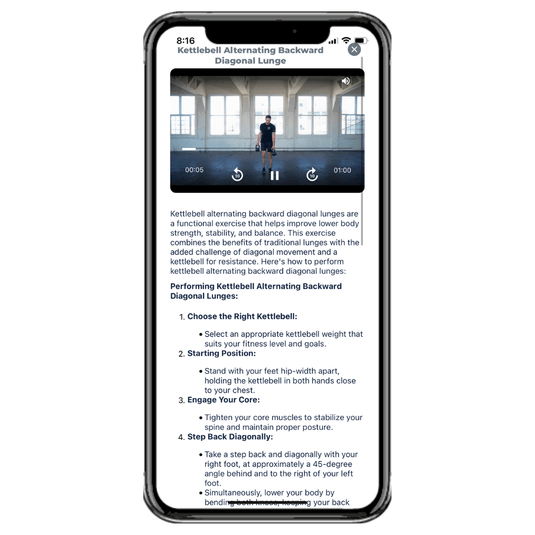
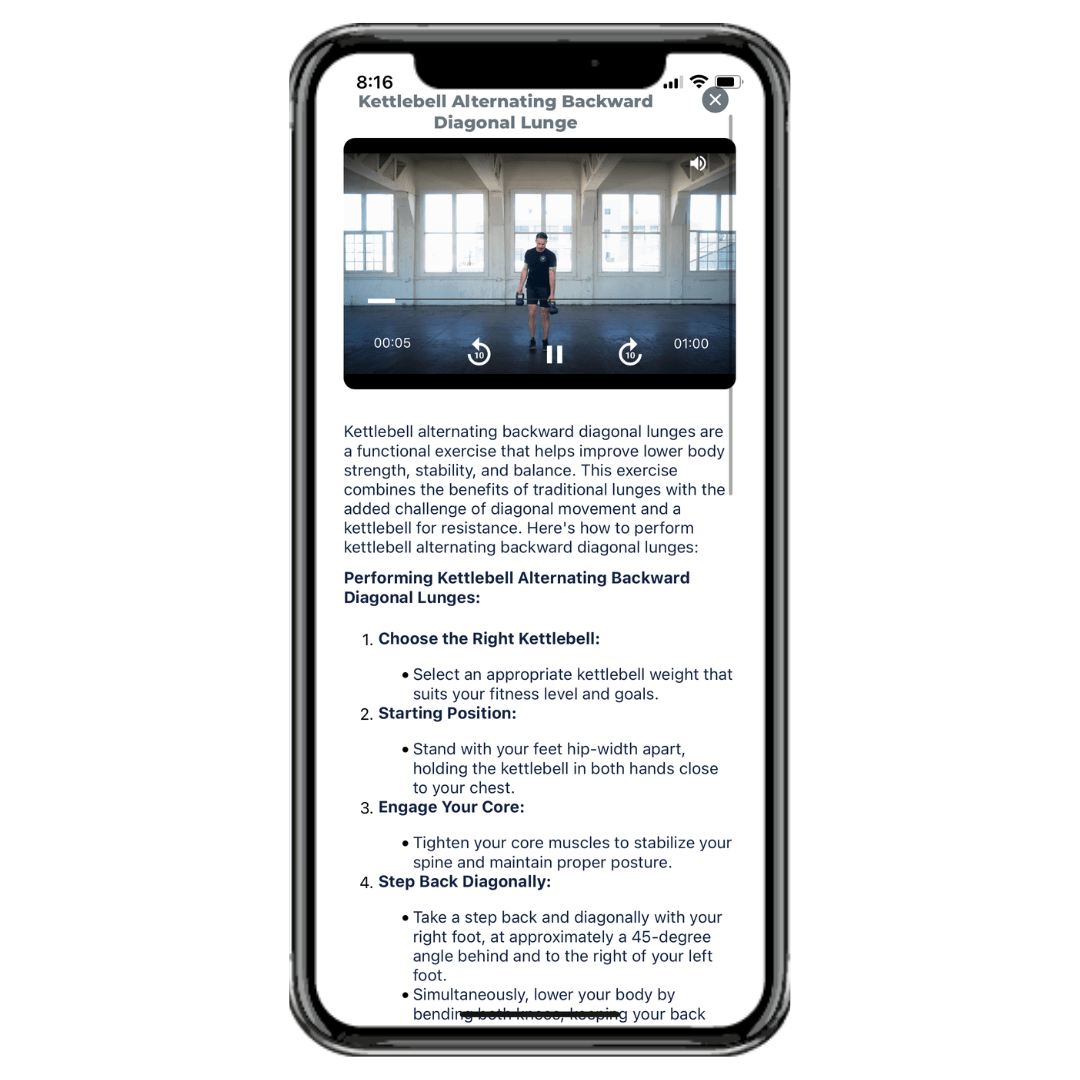
While in a workout you can review help tips about how to perform movements you are not familiar with

  • BONUS TIP: You can read about how to make any Living.Fit workout harder or easier here.

Each workout contains a library movements with helpful tips for the movements you will need to know. It is a great idea to review these before your workout or at your leisure to get the most out of your workouts. Many workouts also containing coaching audio you can run during the workout as well!

On any workout you have control over the audio. You can turn off the voice which prompts the name of the workout and duration. You can turn on coaching tips as well as count down sounds. Customize your workouts the way that suit you best if you want to focus on audio prompts or none at all.

Logging Workouts in Manual or Automatic Workouts

We want to give you as much control as possible how you move through or log your workouts. You can choose to log your reps and weight after each movement and then click 'Next' or you can play through the entire workout automatically and add any information you need at the end. (Demonstrated directly below is logging your work on each set)

Below demonstrates how to move through a workout automatically and log your workout at the end.

Automatic Logging

You can also review your workout logs if you are repeating a workout so you can try to do more weights or reps next time.

Reviewing Workout Logs

List View

We understand that some people want to take workouts at their own pace or look at a list as opposed to follow along with audio or video cues. For that, we have created list format which allows you to go through each movement individually at your own pace, watch tutorials and read how to's. You can try the new format here https://www.living.fit/membership

For those who want to move through the workouts as if you have a note pad and do not want to watch videos. Try list view!

How to Sort Workouts by Equipment or Trainer. You can sort through all of our workout plans and workouts for to find the one you want to do. Look for workouts or plans by the trainer who created them or by the equipment they use. 

  • BONUS TIP: Blue frames mean a full workout plan, orange frames mean a singular workout

Utilizing Offline Mode. Use offline mode to avoid issues with skips, lags or jumps in workouts due to internet connectivity on browser. ** If using our iOS or Android app, you will not need this and can avoid browser related issues.

  • Get the iOS app HERE 
  • Get the Android app HERE

Offline mode works the same way you can save music or podcasts to listen to on other to and avoid internet connectivity issues. Any issues you have with skips or lags should be solvable with Offline Mode. Make sure to remove plans from offline mode when not in use. Here is how. You can also save the workouts to your device home screen so you can access them without internet connection. Learn more about Offline mode here

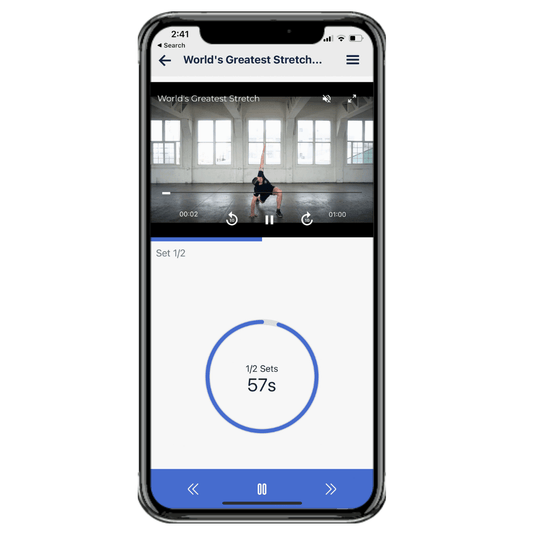
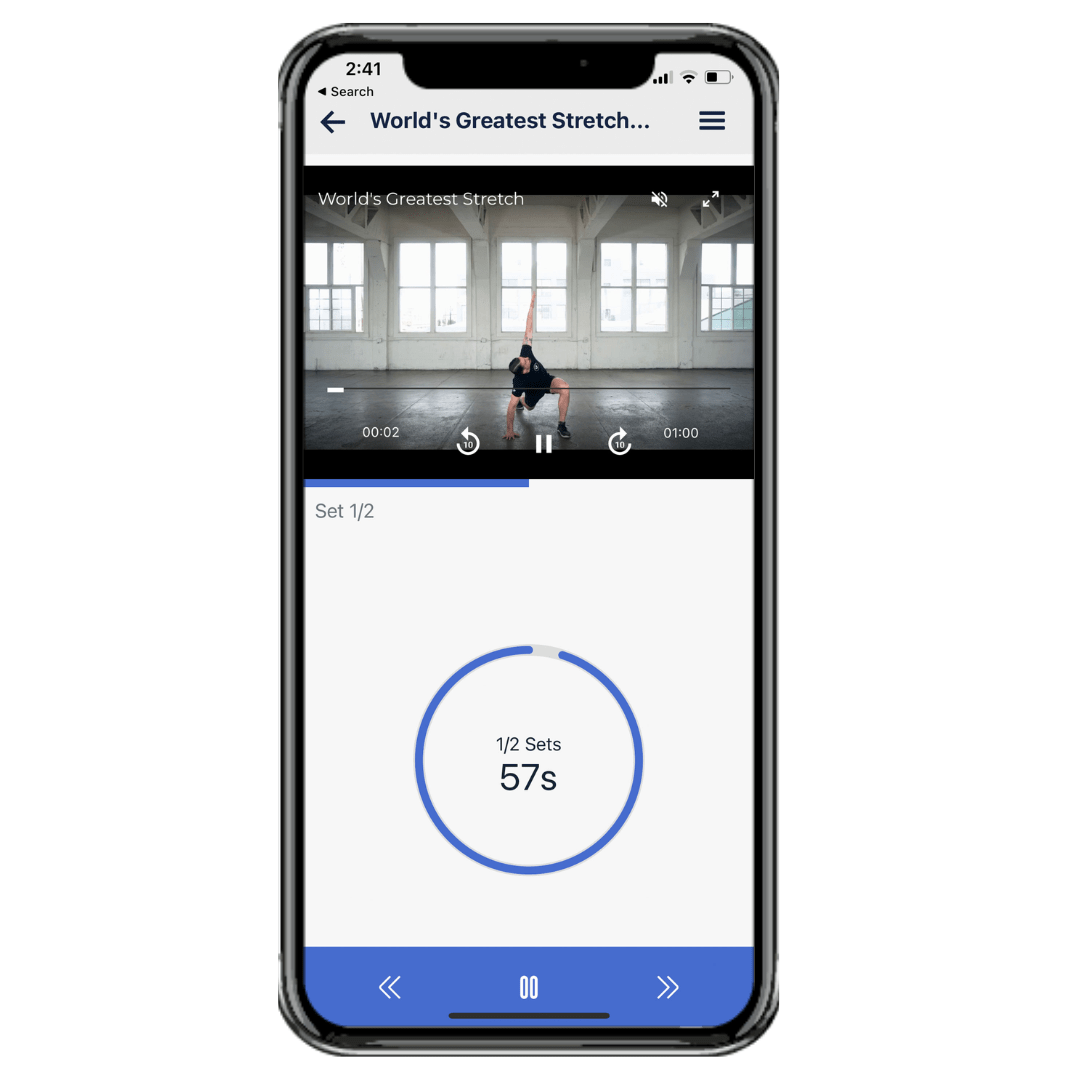
Starting and Moving Through Workouts.  Watch the options available to you when you start a workout like movement libraries, how to preview movements before you start as well as navigate the workout while in use.

Following Your Workout on a TV. If you want to follow along with your workout on a TV, make sure your computer or mobile device is connected to the TV via Bluetooth.

DESCRIPTION

The Pillars of Strength Program is designed to help you build strength and improve your physique through a focus on perfect form and progressive overload. The core principle of this program is to consistently challenge your body by aiming for more repetitions or increased weight with the same repetitions in each workout compared to the previous week. The more frequently you achieve this progressive overload, the greater your chances of seeing significant changes in your strength and overall physique by the end of the program.

This program is delivered conveniently through a browser, iOS app, and Android app, allowing you to follow along with videos on your computer or mobile device. Upon purchase, you gain access to the program within one of the Living.Fit apps or directly through your web browser.

The Pillars of Strength Program is suitable for all ages and genders. It is categorized as an intermediate to advanced program, making it ideal for individuals who already have some training experience or have successfully completed other Living.Fit plans.

For equipment, it is recommended to have a few different sizes of kettlebells, though you will not need double kettlebells for this specific program. A pull-up bar or resistance bands can be used for alternative exercises. If you have limited kettlebells, you can also perform this workout effectively with dumbbells.

The program spans 30 days, with daily workouts typically lasting between 40 to 60 minutes. This duration can be extended indefinitely, and the program can be repeated to continue your progress. The primary goal of the Pillars of Strength Program is to build strength.

Movements included in the program are, but not limited to:
* Alternating Halos
* Chin Ups
* Half Kneeling Cleans
* Archer Pushups
* Plank to Taps
* Supermans
* One Arm Swings
* Snatch Squats
* More!

An option to work with a personal trainer is available if you purchase the program with the Full Access Membership + Virtual Personal Trainer. The Pillars of Strength Program is also included as part of the Full Access Membership. If you are looking for shorter workouts, specifically 20-30 minute sessions, the Workout Generator within the Full Access Plan is an excellent solution, allowing you to customize workouts to your desired length.

Living.Fit offers a wide variety of workout plans, including those for dumbbells, bodyweight, resistance bands, kettlebells, barbells, battle ropes, and slam balls. Their programs are designed to be structured and consistent, helping users build muscle and burn fat for long-term results. The platform also provides a movement library with detailed audio, video, and text explanations for each exercise.

FAQ

Q: What is the main goal of the Living.Fit Pillars of Strength Program?
A: The program aims to help users build strength by focusing on perfect form and progressive overload, encouraging more reps or weight each week.

Q: What equipment is recommended for the Pillars of Strength Program?
A: Ideally, a few different sizes of kettlebells are needed, but dumbbells can be used as an alternative. A pull-up bar or bands are also useful for alternatives.

Q: How is the Pillars of Strength Program delivered?
A: The program is available through a browser, iOS, and Android apps, allowing users to follow along with videos on their computer or mobile device.

Q: What is the duration and user level for this program?
A: The program is 30 days long, with workouts lasting 40-60 minutes per day, and is recommended for intermediate to advanced users.

Q: Can I work with a personal trainer through this program?
A: Yes, there is an option to work with a personal trainer if the program is purchased with the Full Access Membership + Virtual Personal Trainer.

ACCESS

When you download programs we send helpful guides to you via email. If you do not see any emails from us make sure to check your spam folder and mark our emails as 'Not Spam'. These demonstrations are from desktop views, but the controls are similar in our iOS and Android apps. View full post with video here

Access our iOS and Android App for a better experience!

You have access to years worth of materials, movement libraries, FAQ's and workouts in Living.Fit. Watch this helpful getting started guide to maximize your experience. If having trouble accessing your content immediately after purchase, view here.  If you have interest in working more closely with a Living.Fit trainer, learn more here

  • After reviewing this guide, you can navigate to your workouts here or by going to www.living.fit and clicking 'Sign In' with the same email address you signed up with or through one of our apps.
  • BONUS TIP: You can read about how to make any Living.Fit workout harder or easier here.

How to Navigate Workout Plans. Living.Fit workout plan contain a video preview of the workout, a brief summary of the equipment require, expertise level as well as PDFs, movement libraries and FAQ's for the movements and goals of each individual plan. Watch this helpful overview about navigating your access.  

In Workout Tips

While in a workout you can review help tips about how to perform movements you are not familiar with

  • BONUS TIP: You can read about how to make any Living.Fit workout harder or easier here.

Each workout contains a library movements with helpful tips for the movements you will need to know. It is a great idea to review these before your workout or at your leisure to get the most out of your workouts. Many workouts also containing coaching audio you can run during the workout as well!

On any workout you have control over the audio. You can turn off the voice which prompts the name of the workout and duration. You can turn on coaching tips as well as count down sounds. Customize your workouts the way that suit you best if you want to focus on audio prompts or none at all.

Logging Workouts in Manual or Automatic Workouts

We want to give you as much control as possible how you move through or log your workouts. You can choose to log your reps and weight after each movement and then click 'Next' or you can play through the entire workout automatically and add any information you need at the end. (Demonstrated directly below is logging your work on each set)

Below demonstrates how to move through a workout automatically and log your workout at the end.

Automatic Logging

You can also review your workout logs if you are repeating a workout so you can try to do more weights or reps next time.

Reviewing Workout Logs

List View

We understand that some people want to take workouts at their own pace or look at a list as opposed to follow along with audio or video cues. For that, we have created list format which allows you to go through each movement individually at your own pace, watch tutorials and read how to's. You can try the new format here https://www.living.fit/membership

For those who want to move through the workouts as if you have a note pad and do not want to watch videos. Try list view!

How to Sort Workouts by Equipment or Trainer. You can sort through all of our workout plans and workouts for to find the one you want to do. Look for workouts or plans by the trainer who created them or by the equipment they use. 

  • BONUS TIP: Blue frames mean a full workout plan, orange frames mean a singular workout

Utilizing Offline Mode. Use offline mode to avoid issues with skips, lags or jumps in workouts due to internet connectivity on browser. ** If using our iOS or Android app, you will not need this and can avoid browser related issues.

  • Get the iOS app HERE 
  • Get the Android app HERE

Offline mode works the same way you can save music or podcasts to listen to on other to and avoid internet connectivity issues. Any issues you have with skips or lags should be solvable with Offline Mode. Make sure to remove plans from offline mode when not in use. Here is how. You can also save the workouts to your device home screen so you can access them without internet connection. Learn more about Offline mode here

Starting and Moving Through Workouts.  Watch the options available to you when you start a workout like movement libraries, how to preview movements before you start as well as navigate the workout while in use.

Following Your Workout on a TV. If you want to follow along with your workout on a TV, make sure your computer or mobile device is connected to the TV via Bluetooth.

About Individual Workout Programs

No Recurring Charges

You can access it whenever you need to follow as many times as you like!

Convenient Access

You can access this workout plan in browsers on computers and mobile devices as well as on our iOS or Android apps.

Movement Library

Included are detailed audio, video and text explanations for how to perform each movement in the workout plan
Who Is This For?

Who Is This For?

Our programs are expertly designed for results

Program Features

Structured
  • Hit the 'easy' button. Build muscle & burn fat with consistent & structured workouts expertly made for you for long term results. Take the guessing out of making your own each day

Variety
  • Challenging and exciting workouts with variety.
  • Plus, learn how to use equipment properly with hundreds of movement demos in our movement libraries
Track Your Workouts
  • We offer the most variety of way to track your workouts online. Choose from automatic workouts to move through effortlessly or log your results on each individual movement before moving on.
Duration
  • Living.Fit programs are 30 days but can be followed indefinitely. Workouts usually last 30-40 minutes unless specified in program description.
Follow Anywhere
  • Available through browser, iOS and Android app!  Follow along with videos on your computer or mobile device.
Who is the Ideal Client for This Program?
  • All ages and genders can follow these workouts. These are beginner movements.

This Program

Heading
youtube thumbnail

Movements in This Program Include But Not Limited To:

Movements in This Program Include But Not Limited To:
View some of our features to create great workouts

Workout Features

Control

Audio Controls

In Workout

There are multiple ways to move through a workout, log your movements, receive instruction and take notes!

You can choose to follow a workout at your own pace by clicking 'Next' when you are ready or you can follow the pace of the workout and keep up with our automatic mode. Lastly, you can simply just follow a list of protocols in our list view.
youtube thumbnail

You can listen to music, coaching audio, prompts for each movement or workout in silence!

During your workout, you can toggle coaching audio on and off for in depth instruction. You can also turn movement and countdown queues on and off if you just want to watch a screen. Lastly, you can also listen to your favorite music while working out!
youtube thumbnail

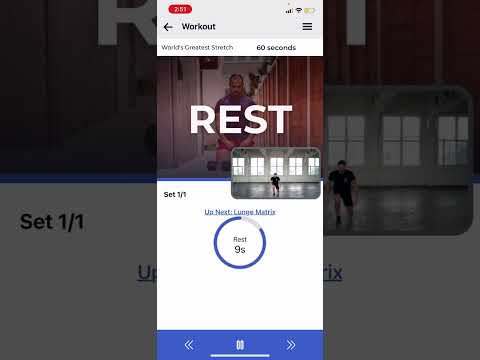
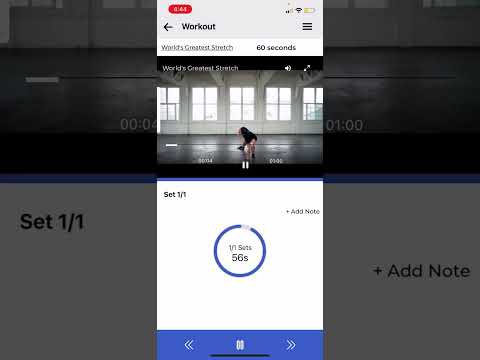
There are multiple ways to get the instruction you need before and during your workout!

We have a wide variety of members. Some have told us they want to move at their own pace and learn the movements as they go, so we implemented a feature which allows you to review and learn movements while you workout. You can choose from audio, visual or reading instructions in workout!
youtube thumbnail
All Programs Include a Movement Library for All Of the Exercises So You Can Perform The Movements Optimally

Movement Library

Unique

Detailed

Expert

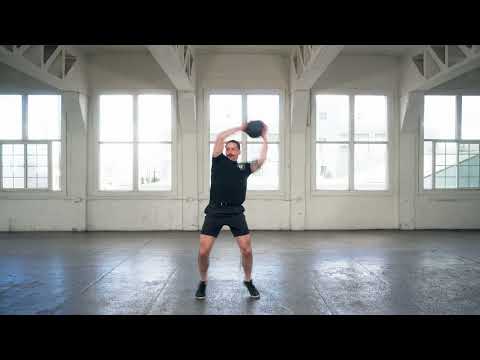
Each workout plan contains its own movement library. You can review the movements specific to your workout before your workouts to be prepared or look at our in workout movement library for keys to success in the middle of your workout.
youtube thumbnail

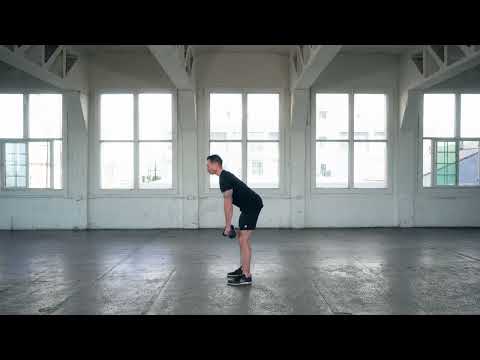
Each demo contains audio, video and written instructions for performing the movement.

Movements demonstrated here may or may not be in this program. See the list above for a list of movements in this program.

This is a demo to give you an idea of what you have access to for demonstrations.
youtube thumbnail

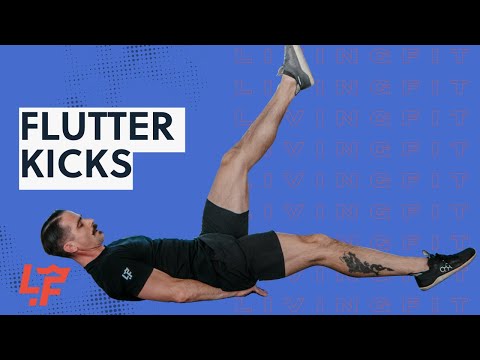
These demos are performed by highly qualified trainers who have worked with clients just like you!

Our training team has decades of experience and worked with thousands of clients just like you. So, they know how to explain things in a way to help your your workouts!
youtube thumbnail

Testimonials

What Did I Do Before?

"Before finding the Living Fit..., I had looked into several online programs including some ridiculously expensive coaching programs. I am so glad I found this membership. I have been using the Kettlebell Origins program for about 1 week, and I have already lost a few pounds, but, more importantly, I have already seen strength and mobility gains. I feel great, have energy, and look forward to the workouts."

Samuel

Great Instructors!

These are great instructors! I love these courses and definitely see results without burning myself out. Definitely looking forward to more kettlebell workouts!"

Stephan

Skeptical

I was skeptical first but have changed my mind after first week. Every workout was challenging my inner couch potato. Coordinating exercises combined with biggest possible weights led to burning muscles and high heart rates. Pretty much what I was looking for. Thx a lot!

Annie

Amazing

Amazing catalogue of workout plans for life! Only been a week and a half since I started my first Living.Fit program, and I know that I made a great, lifelong investment for my health and fitness.

Kelly

What Makes Living.Fit Different?

download living fit app
Workout Programs That:

Workout Programs That:

Who Follows Our Workouts?

Who Follows Our Workouts?

FAQS

FAQS

Refund Policy

If you try any of our workout plans and do not like them, you welcome to cancelwithin 7 days for a full refund

How Do I Follow Your Programs

You can follow on desktop, mobile device

Is This Just for Home Workouts?

Because our programs can be accessed on any device, you can do these workouts at home, at the gym or anywhere

Travel

Our app contains programs with bodyweight, bands or heavy equipment, this means no matter what you have available to you, we have a plan for you.