
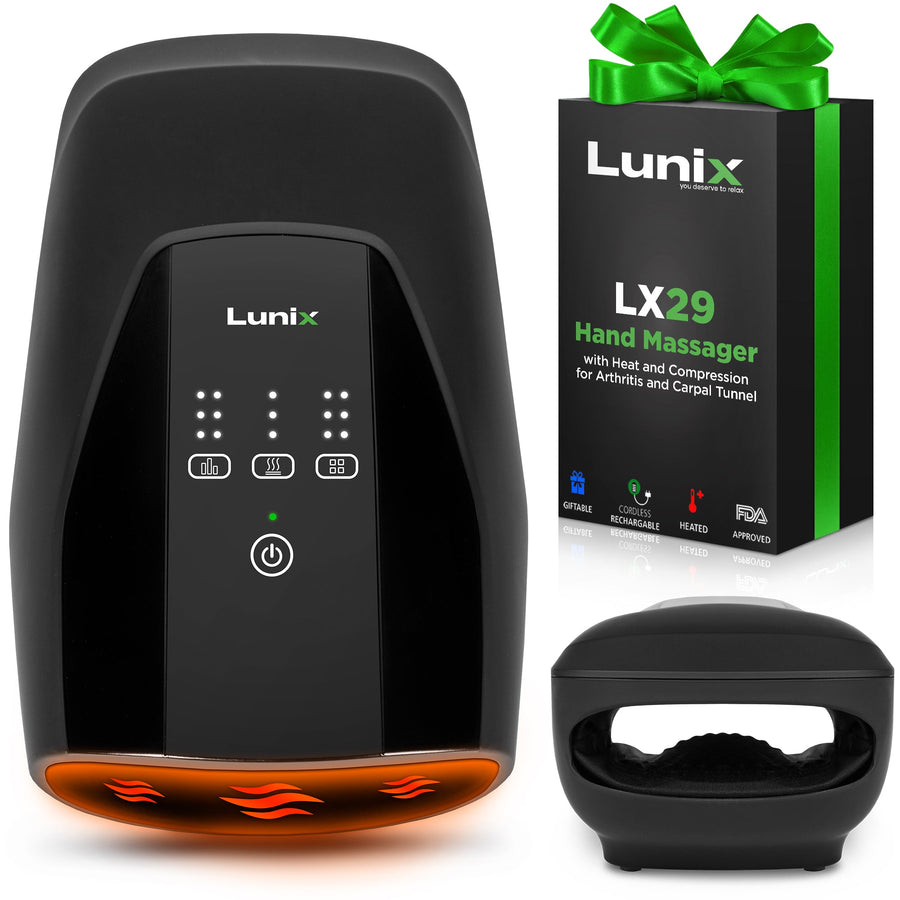

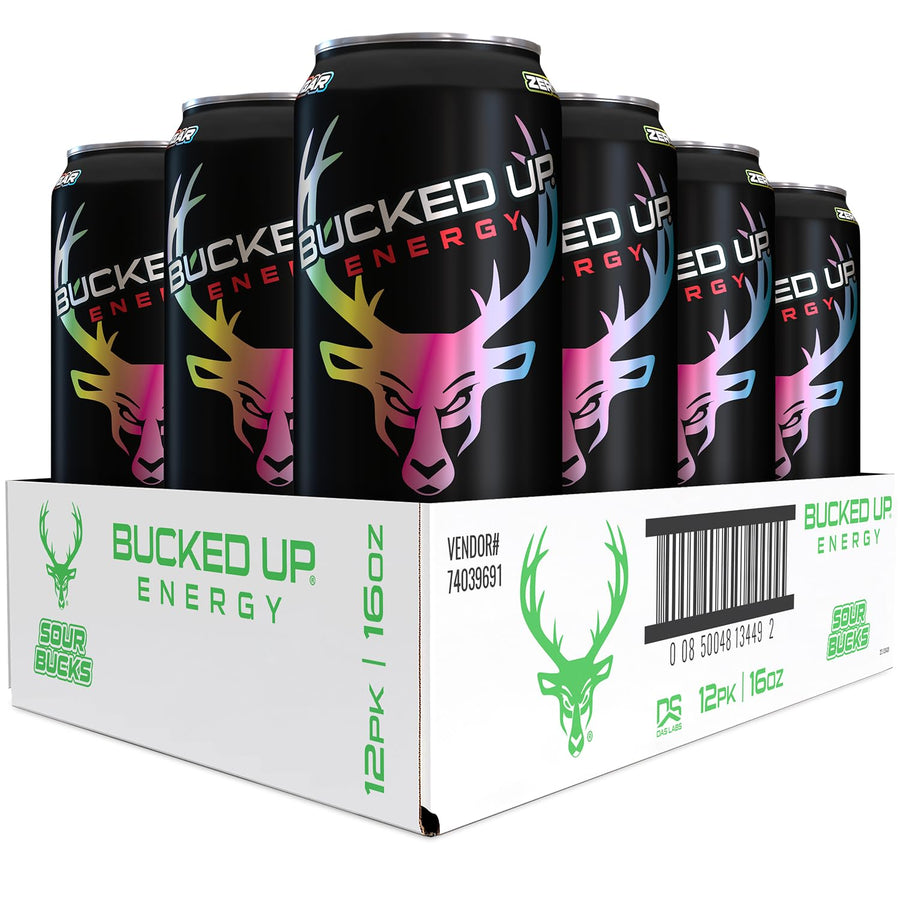
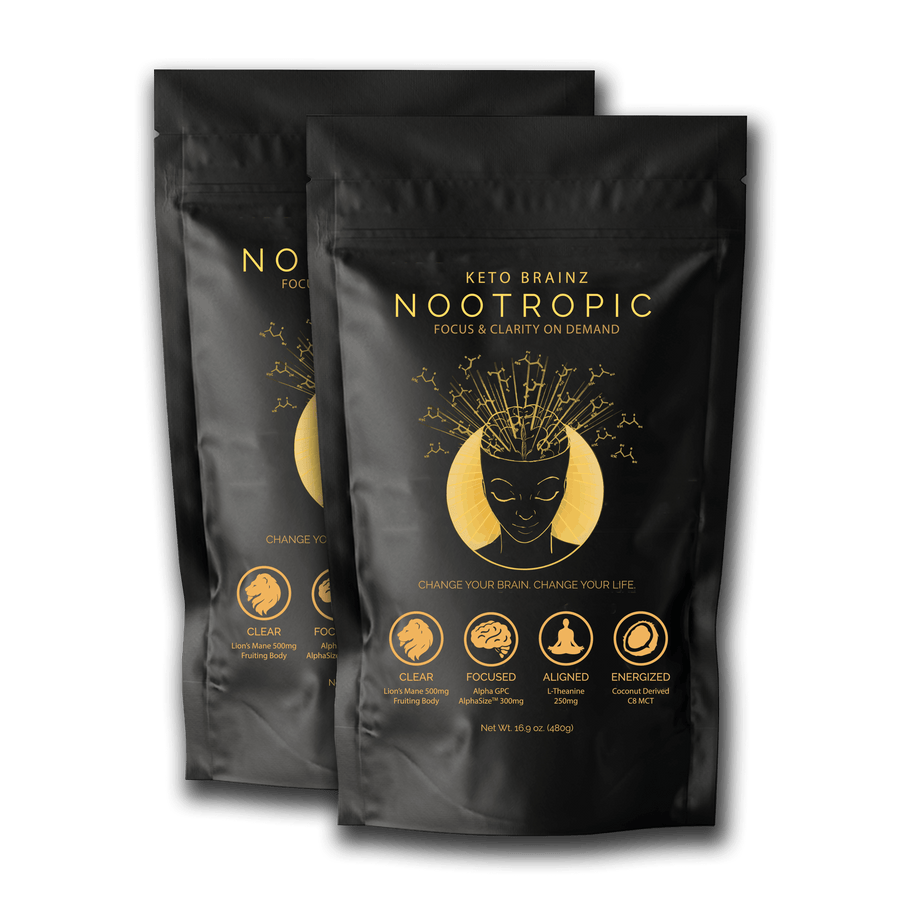




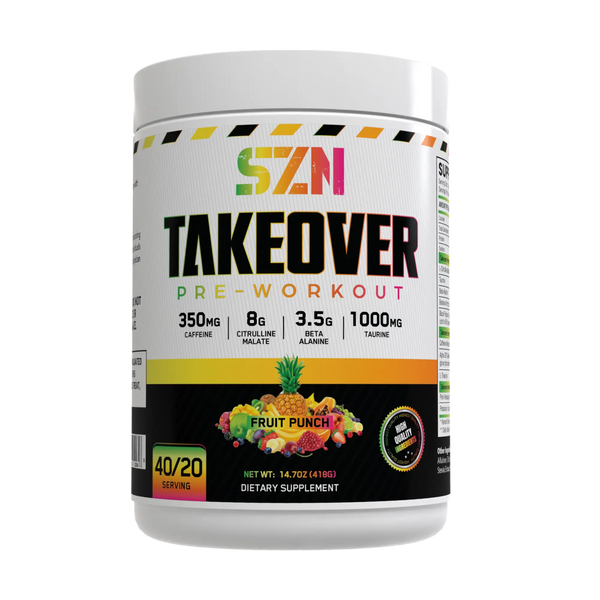

Change Autoship flavor, size or frequency
The short version
- Open Subscriptions, find the product and choose Edit.
- Changing flavor, pack size or plan can change your price. Check the amount before saving.
- Open Subscriptions and choose Edit on the product.
- Select a flavor or pack size, adjust quantity, or choose a frequency. Options vary by product.
- Review the price, discount and next delivery date, then choose Save changes.
A quantity-only change keeps your per-unit subscription price.
Was this article helpful?
Still need help?
Email us
Monday–Friday, 9am–5pm Central. Include your order number.